

PNG & JPG to SVG or PDF Vector Converter
Turn any logo, icon or illustration into a real vector file — clean SVG paths or a print-ready vector PDF in RGB or CMYK.
Your vector result will appear here.
Raster in, real vector out
AI tracing that keeps your shapes clean and your files editable.
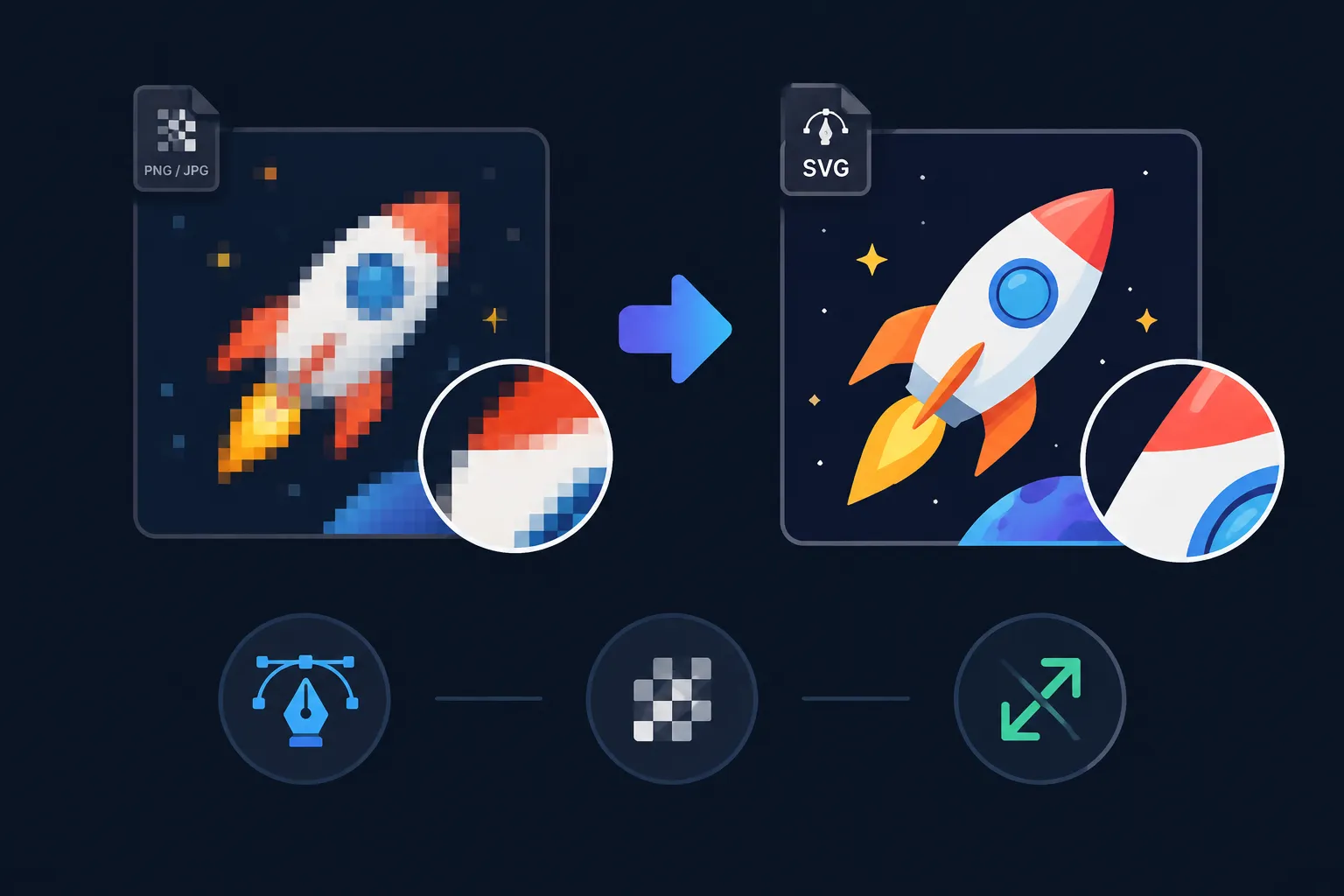
PNG or JPG to editable SVG
Most “converters” simply wrap your bitmap inside an SVG container. We don’t. The artwork is re-drawn as genuine paths and shapes, so you can recolour, rescale and edit every curve in Illustrator, Figma, Sketch, Inkscape or CorelDRAW.
- Clean, optimised curves — not thousands of stray nodes
- Transparency is preserved
- Infinite scaling, from favicon to billboard
Vector PDF with true CMYK
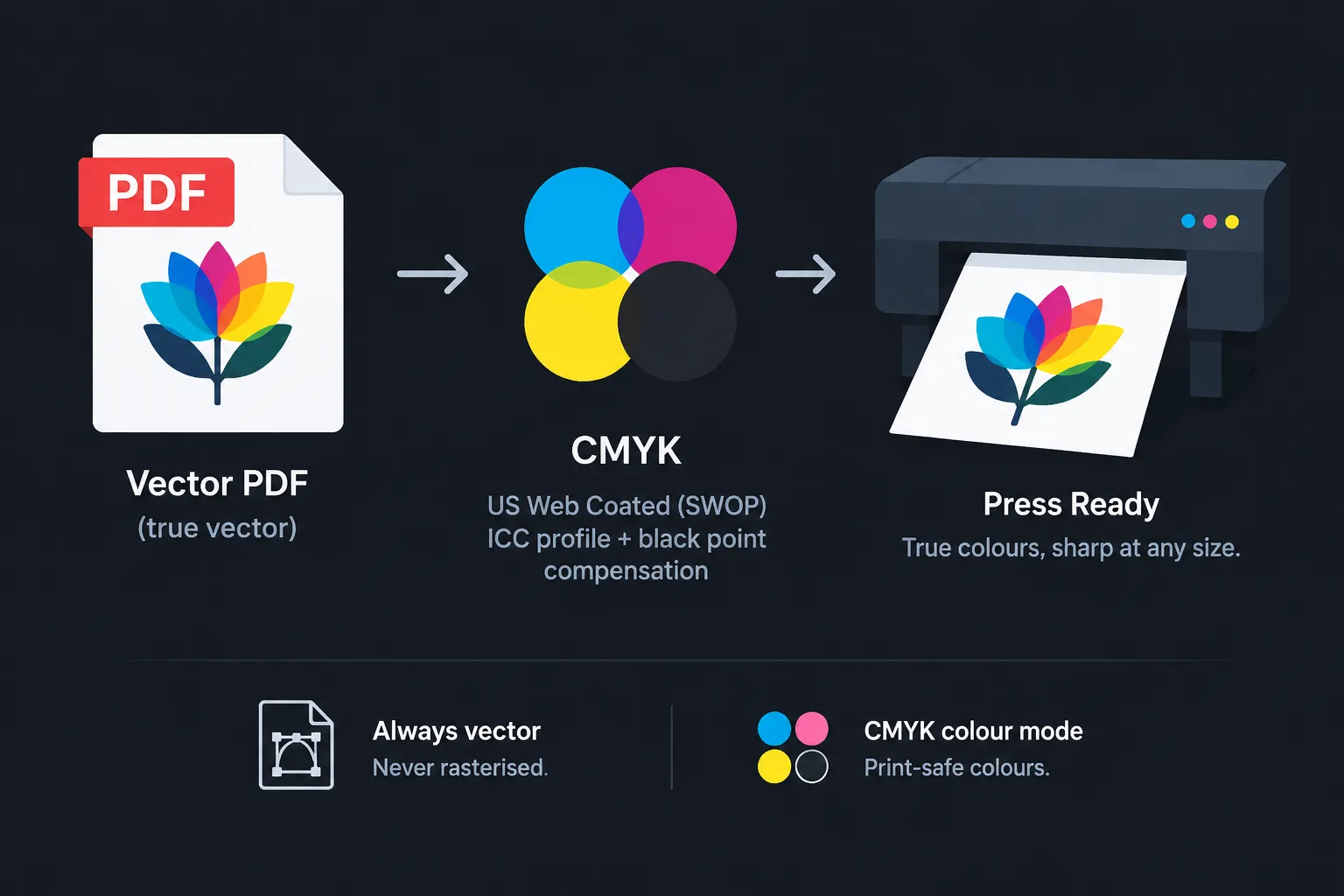
Need to send artwork to a printer? Export a fully vector PDF and switch the colour mode to CMYK. We convert through the US Web Coated (SWOP) ICC profile with black point compensation, so colours stay visually close to your original while becoming press-safe.
The PDF is never rasterised — place it in InDesign or Illustrator and it stays sharp at any size.
Rescue low-resolution logos
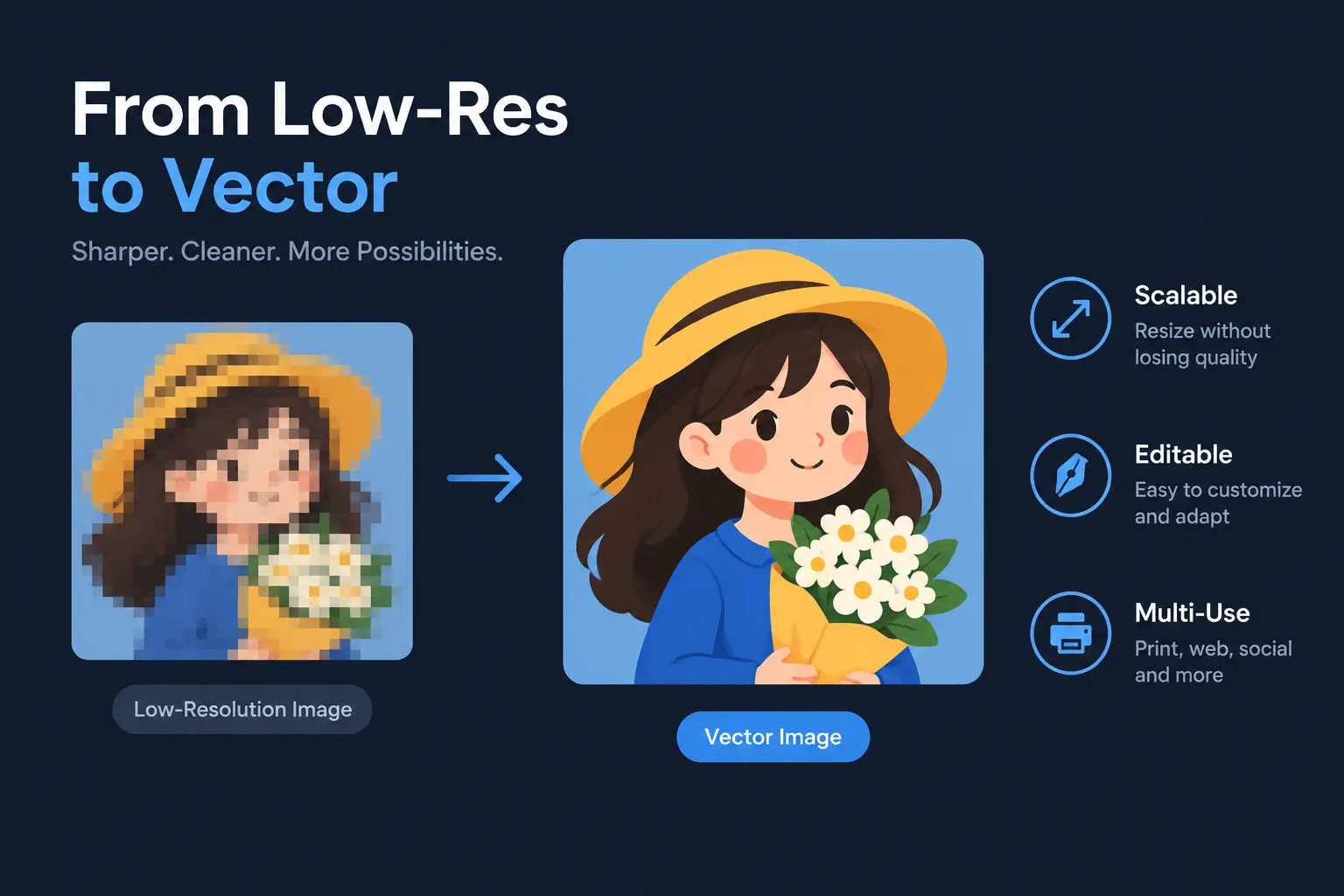
Only have a small PNG of your logo left? Vectorize it once and you get a master file that works everywhere: web, embroidery, signage, vinyl cutting, packaging and merchandise.
Best For
Rebuild a pixel logo as a scalable master file.
Vector artwork for DTF, vinyl and screen printing.
Crisp SVG assets for responsive interfaces.
Clean paths that plotters and CNC tools can follow.
How the image vectorizer works
Three steps, no design software required.
Upload your image
Drag and drop a PNG, JPG or WEBP file. Oversized images are resized automatically.
Choose the output
SVG for web and design tools, or PDF (Vector) in RGB or CMYK for printing.
Download the vector
Preview the traced result and download a file you can edit and scale forever.
Try other tools
A complete raster and vector workflow.
 Continue with Google