

EPS, AI & CDR to PNG, JPG, PDF, TIFF — with 300 DPI and CMYK
Upload EPS, AI, CDR or SVG and export PNG, JPG, PDF, TIFF or SVG — custom pixel size, 72 / 150 / 300 DPI and true CMYK for press. PDF and SVG exports stay 100% vector.
Upload your vector file
EPS · AI · CDR · SVG · up to 50 MB
Drop your file here
or click to browse · .eps .ai .cdr .svg
Output settings
Rendered from the vector at your target resolution.
Colour-managed conversion with black point compensation keeps the result visually close to the original.
Result
Preview your export, then download it.
Your converted file will be previewed here.
By uploading a file you agree to our Privacy Policy and Terms of Use.
Quality: PDF and SVG exports stay true vector (no rasterisation). Multipliers and DPI are drawn by the engine at the exact target size — nothing is ever stretched. Raster exports are capped at 10,000 px per side.
Colour: PNG and SVG are RGB only. JPG, TIFF and PDF can be exported as CMYK (US Web Coated SWOP) for print delivery.
CDR fonts: text inside CDR files is converted to curves automatically so nothing is lost. A server cannot ship every commercial font, so for a 100% match convert text to curves (Ctrl+Q) in CorelDRAW before uploading.
Output area: we export the page frame by default. If objects are found outside the page, an “Output area” switch appears so you can export the complete artwork.
Daily free limit reached
Vector in, anything out
No upscaling, no soft edges. Every export is generated from the source vector.
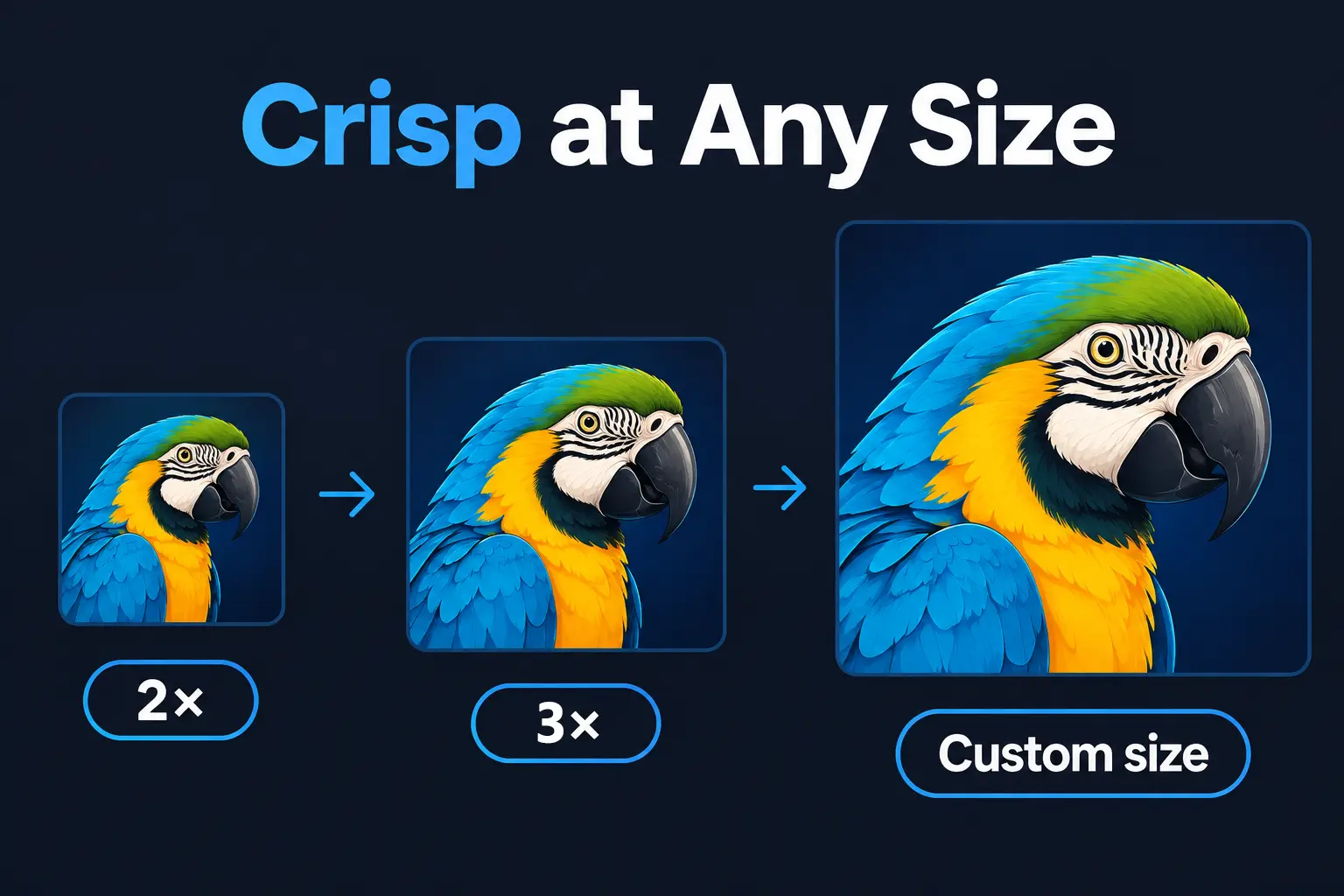
Crisp at Any Size: 2x, 3x & Custom Dimensions
Unlike standard converters that stretch small previews, our true vector engine re-renders your artwork directly at your chosen scale. Export at 2x, 3x, or any custom dimension—guaranteeing razor-sharp curves, lines, and text every single time.
- EPS, AI, CDR and SVG input
- PNG, JPG, PDF, TIFF and SVG output in 2x, 3x, or Custom Sizes
- True Vector Re-rendering — Never Upscaled or Pixelated
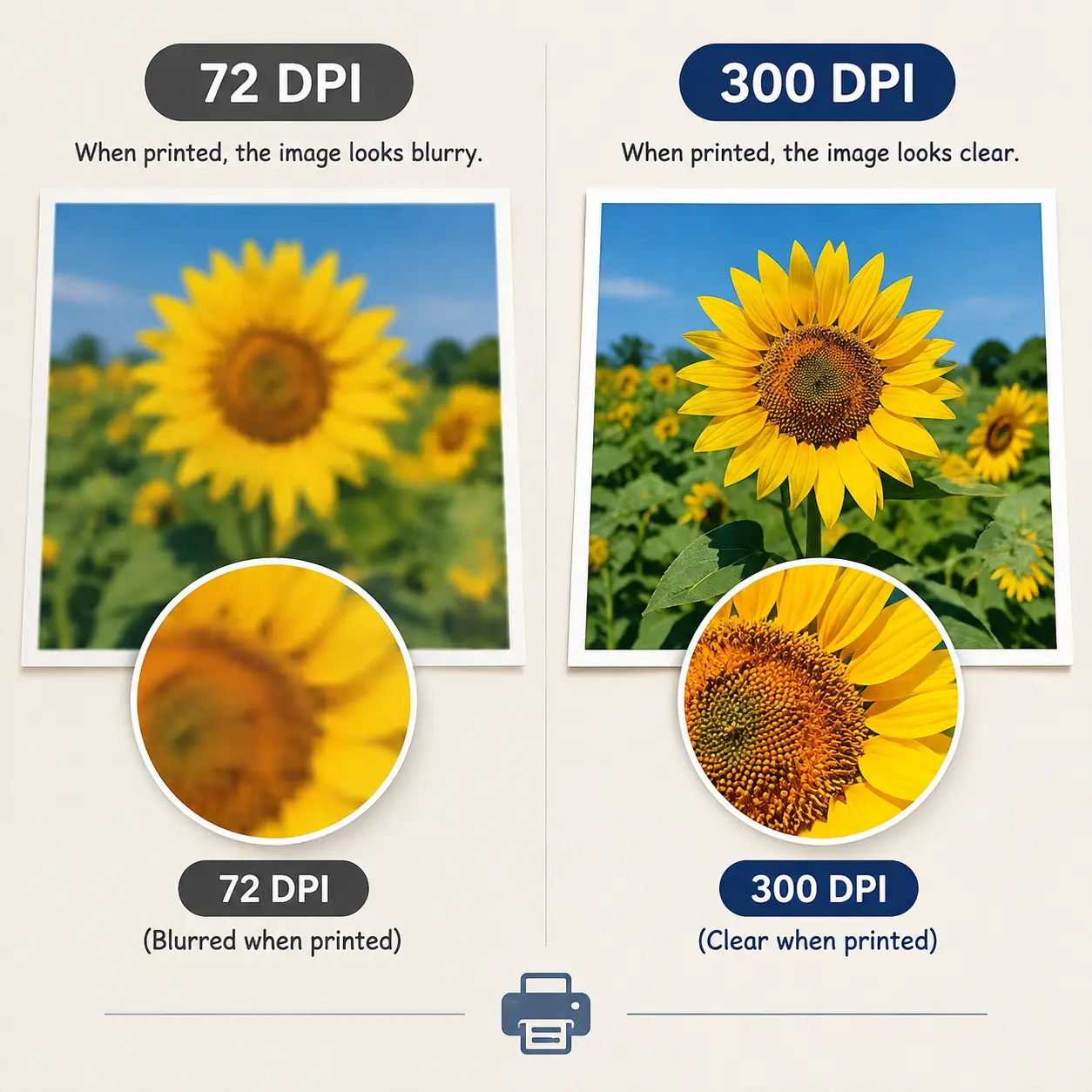
300 DPI is Active — not just a label
Most free converters export a fixed 72 DPI bitmap and simply rewrite the DPI tag, so your printer still receives a low-resolution file. We do the opposite: the target pixel size is calculated before rendering, the vector is rasterised once at that exact resolution, and the real 300 DPI value is embedded in the file metadata.
- 72 DPI for web & social, 150 DPI for office printing, 300 DPI for professional press
- A4 at 300 DPI = 2480 × 3508 px, generated directly from the vector
- Real DPI metadata written into JPG, PNG, TIFF and PDF
Combine 300 DPI with CMYK and you get a press-ready JPG, TIFF or PDF straight from an EPS, AI or CDR file — no Illustrator or CorelDRAW licence required.
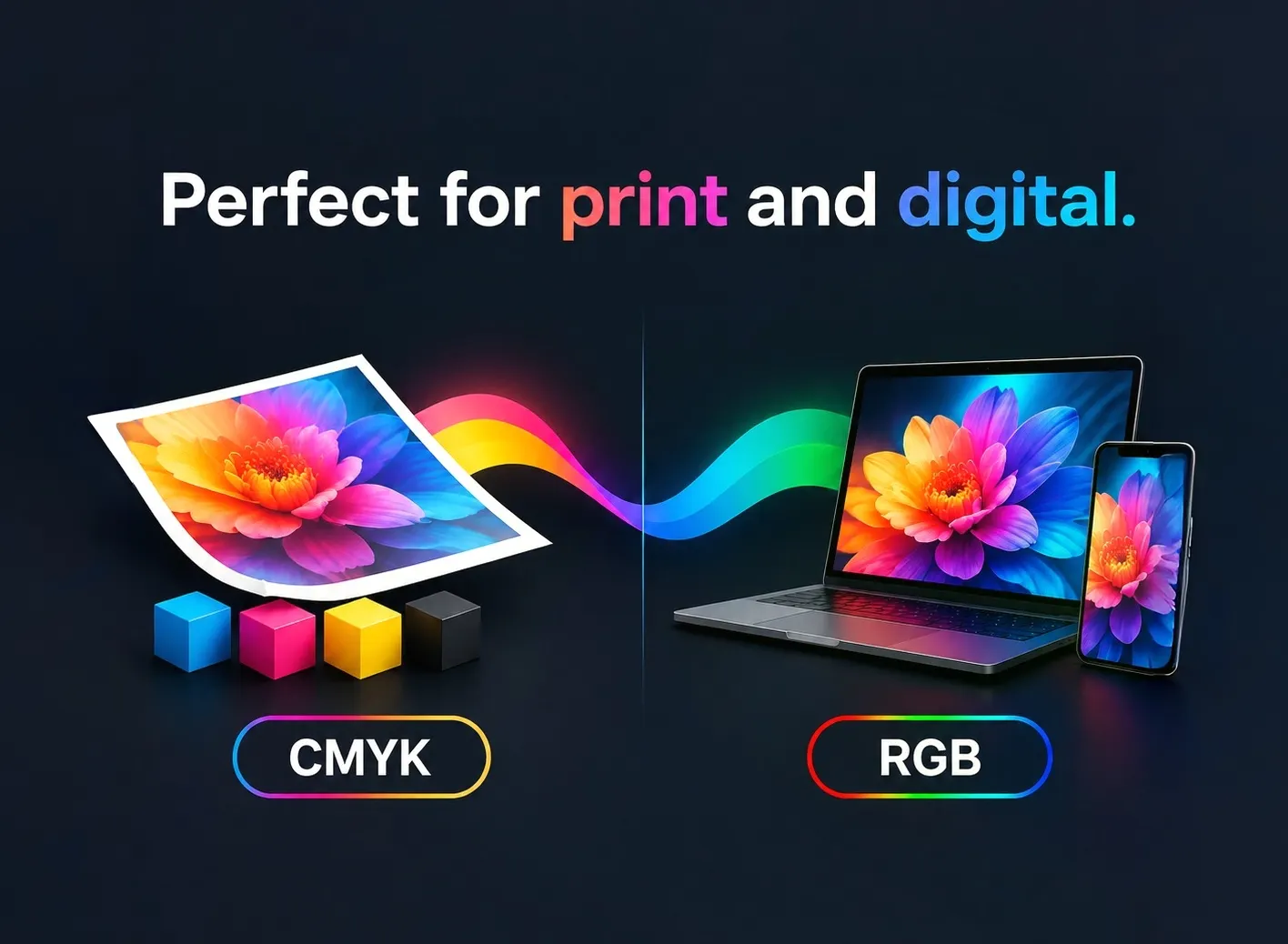
RGB for screens, CMYK for print
Need files for a commercial printer? Switch to CMYK and we convert through the US Web Coated (SWOP) ICC profile using a relative colorimetric intent with black point compensation, so the result looks like the original instead of washed out. CMYK is available for JPG, TIFF and PDF.
Staying digital? RGB output is tagged with sRGB so it displays consistently across browsers and devices. PNG and SVG are RGB only by specification.
Built for print, not just for preview
A vector converter designed around the two things print buyers actually ask for: exact size and exact colour.
Type the width you need in pixels and the height locks to the artwork ratio. Perfect for marketplace templates (4500 × 5400 px), banners and signage.
Rendered once at print resolution from the vector source, with the DPI value written into the file so your printer, InDesign or Photoshop reads the correct physical size.
JPG, TIFF and PDF can be delivered as CMYK through the US Web Coated (SWOP) ICC profile with black point compensation — minimal colour shift between screen and press.
PDF and SVG exports are never rasterised, so logos and die-lines remain infinitely scalable for the plate-making stage.
From an EPS/AI/SVG/CDR logo or illustration to a press-ready file in one step
A client sends a logo as EPS or AI, a supplier sends a die-line as CDR, and the printer asks for “300 DPI, CMYK, 210 × 297 mm”. Without Illustrator or CorelDRAW installed that normally means buying a licence or paying a designer. Here it is three clicks: upload the vector, choose the format, size, DPI and colour mode, then download.
- Print shops & prepress — CMYK TIFF / PDF at 300 DPI, ready to RIP
- Packaging & label teams — CDR / AI die-lines exported as vector PDF
- Brand & marketing teams — transparent RGB PNG and SVG for web and decks
- Signage & large format — oversized raster exports without upscaling artefacts
No software to install, no watermark, and your file is removed automatically after download.
Best For
Where a size, DPI and colour aware converter actually saves time.
Export client logos as web-ready PNGs with transparency, plus a vector PDF master.
300 DPI CMYK JPG, TIFF or PDF ready to hand straight to your printer.
Large, crisp artwork at the exact pixel template size for apparel and merch.
Drop vector artwork into sites, decks and documents as PNG or SVG.
How it works
Three steps, a few seconds.
Upload artwork
EPS, AI, CDR or SVG — up to 50 MB.
Pick your settings
Format, size or exact pixels, DPI, RGB / CMYK and transparency.
Preview & download
Check the preview, then grab the file at full quality.
Try other tools
Enhance your workflow further.
EPS Converter
EPS to PNG, JPG, PDF, TIFF or SVG with 300 DPI and CMYK.
Open EPS Converter →Remove Background
Get a clean transparent cutout in seconds.
Try Remove BG →AI Image Enhancer
Upscale images 2x/4x and fix blur instantly.
Try Image Enhancer →Magic Editor
Describe your vision, and watch it come to life.
Try Magic Editor → Continue with Google